Stop Overpaying for PlayBox: The Smarter Way to Buy Telegram Stars
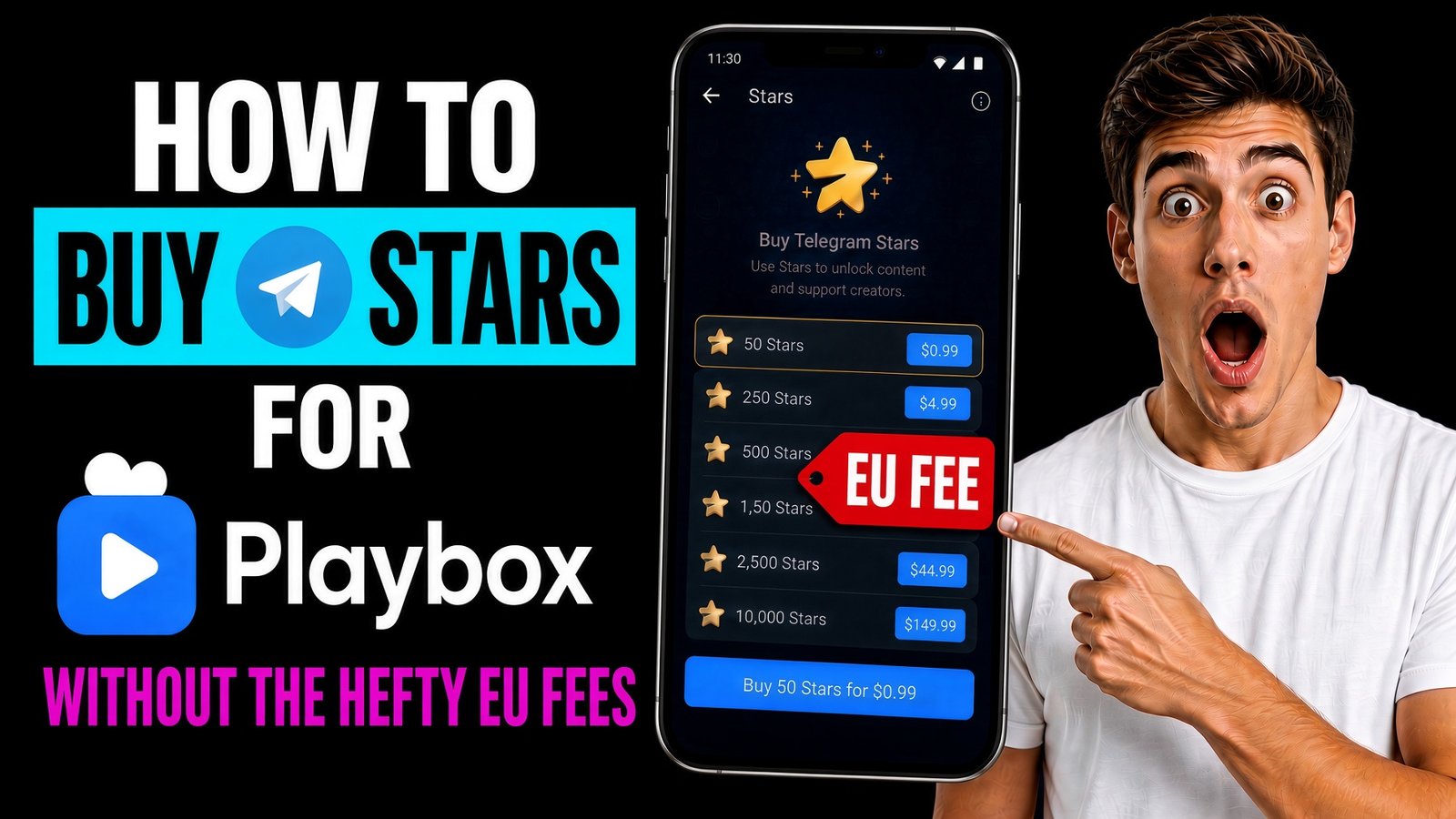
You are not bad with money. The phone app is. PlayBox is not overcharging you. Apple and Google want their cut, and they take it when Telegram sells you Stars inside the iPhone or Android app. That markup never reaches PlayBox. It stops at the store.
Here is what actually happens. PlayBox shows a monthly price, for example £29.99. To start that plan it asks for a set number of Telegram Stars. You then open Telegram’s Star bot, or the Star shop in the phone app, to buy that many Stars. The Stars are not for sale at the price PlayBox just showed you. Apple and Google take a fee on Star purchases made in the iPhone and Android apps, and that fee is already inside the price Telegram charges. By the time you have enough Stars, a £29.99 plan can cost about £40 to £45. In the eurozone the same thing happens in euros. It looks as if PlayBox demanded more Stars than the plan was worth. Rest assured. it did not. The Stars got more expensive on the way in.
Telegram Stars are actually only need for the monthly subscriptions. Once you are in, you can pay with a card. The sting is those fees, especially if your in the EU areas, They slap them on hard!!
We are here to walk you through a way around it. Our workaround is Fragment, Telegram’s own marketplace. It sells the same Stars without the app-store fee, so the cost stays much closer to the price PlayBox showed you. You buy them there, pay the PlayBox monthly plan, and then you can use a card. Follow the steps in order.
We will stay with you the whole way.
What the two prices look like
A Star on Fragment costs about $0.014. One thousand Stars cost about $14.10. In the phone app the same Star costs about $0.020 before local tax, so one thousand Stars cost about $20.14. These figures were checked on 3 October 2026. That gap is how a plan listed at £29.99 can reach about £40 to £45 once you buy the Stars in the Telegram app. Your bank may also use a slightly worse exchange rate than the mid-market rate. But you should still pay less on Fragment.
| 1,000 Stars | Our way, Fragment | The phone pack |
|---|---|---|
| Britain, pounds | about £10.66 | about £15.23 converted, often more once the UK tier and 20% VAT are in the sticker |
| Eurozone, euros | about €12.53 | about €16.59 to €17.90 |
| Either, in dollars | $14.10 | $20.14 |
Please read the row for your own currency. Britain uses pounds. Eurozone countries use euros. Fragment charges in dollars, which is why the Stars cost less than they do in the phone shop. You only need enough Stars for the monthly plan, not for every payment after that.
Before you start, you will need a Telegram username, a TON wallet such as Tonkeeper, and a small amount of TON in that wallet. Fragment does not take a bank card. We will cover that in the first step.
The secret weapon: buy the Stars on Fragment
- Buy TON on an exchange that withdraws on the TON network. Pounds or euros in, coin out. Send it to your own wallet, not to Fragment. Wrong network is the one mistake that hurts, so check it twice. We would.
- Open fragment.com. Computer is easier. The wallet browser is fine.
- Hit Connect Telegram and approve it in the app. That is Fragment learning which account to pay.
- Hit Connect TON, pick the wallet with the coin, confirm. Nobody needs your seed phrase. If a page asks for those words, close it. We mean that.
- Open Stars, then Buy Stars Package. Type your own username. Fifty is the minimum. Read it back. A typo sends them to a stranger, and they do not come home.
- Look at the TON amount. The dollar price stays still. The coin amount wiggles. That is normal.
- Confirm in the wallet. Give it a minute. In Telegram, open Settings, then My Stars. When the balance covers the entry plan, you are ready. The annoying part is over.
The exchange fee and the withdrawal fee are usually only a few cents next to the difference between £29.99 and £40–£45. On a very small purchase they can use up the saving, so it is worth checking the quote before you send anything.
Through the PlayBox door
Stars in your balance are not credits yet. PlayBox has to be paid. This is the step people skip, and the reason we are still here.
- Open PlayBox and sign in.
- Pick the entry plan on the subscription page.
- Choose pay with Telegram. Leave the order on screen.
- Telegram opens the payment. Check it is the PlayBox bot, and that the Star count matches the order.
- Approve it. Access usually lands within a minute.
- If it does not, do not panic-buy another pack. Settings, then My Stars. Stars still sitting there means the bot was never paid. Go finish that. Stars missing means Fragment did not clear. Different problem, and we just told you which is which.
PlayBox also has a Telegram payment guide with the buttons on screen, if you would like to see them while you follow these steps.
Then you are in. Later payments can go on a card. Stars were the bouncer, not the bar tab. Payments after this can be made by card. You do not have to keep buying Stars unless you want to. Just remember PlayBox was never the one taking the extra.
Do not worry, we have got you
Please ignore anyone promising cheaper Stars in a bot. Fragment is already the cheapest official workaround. If a stranger asks for your Telegram login code, that is not a discount. Close the chat.
If the price in Telegram looks nothing like the price on PlayBox, you have found the gap this guide is for. PlayBox asked for a number of Stars. Telegram’s own Star shop then charged more than the plan price to sell you those Stars due to their hosts. Rest assured it was never PlayBox ripping you off. The extra amount is the app-store & google play fees on the Star purchase. Buy the Stars on Fragment instead, then pay the PlayBox bot. If the plan still does not start, check your Star balance first, then check whether the bot was paid. That is the whole rescue, and we have just walked you through it.
So quick recap, buy the Stars for your monthly plan on Fragment. Pay them to PlayBox. Use a card after that for the extras. A £29.99 plan can stay near £29.99. You do not have to figure this out on your own.
I hope this guide has been helpful to you all, If you enjoyed it please feel free to check out our other Blogs, and have a little nosey round the site, and join the mailing list, we have got some of the best NSFW Tools & Technologies from around the world, just one click away….and more coming every day.
Big Love To You All, Peace!